Skip to content

Solutions · Pakistan

Construction management solutions for every team

One Smart Construction platform with six solution paths for project control, PKR commercial, workforce, site execution, analytics, and onboarding.

Overview

Six ways into one platform, not six products

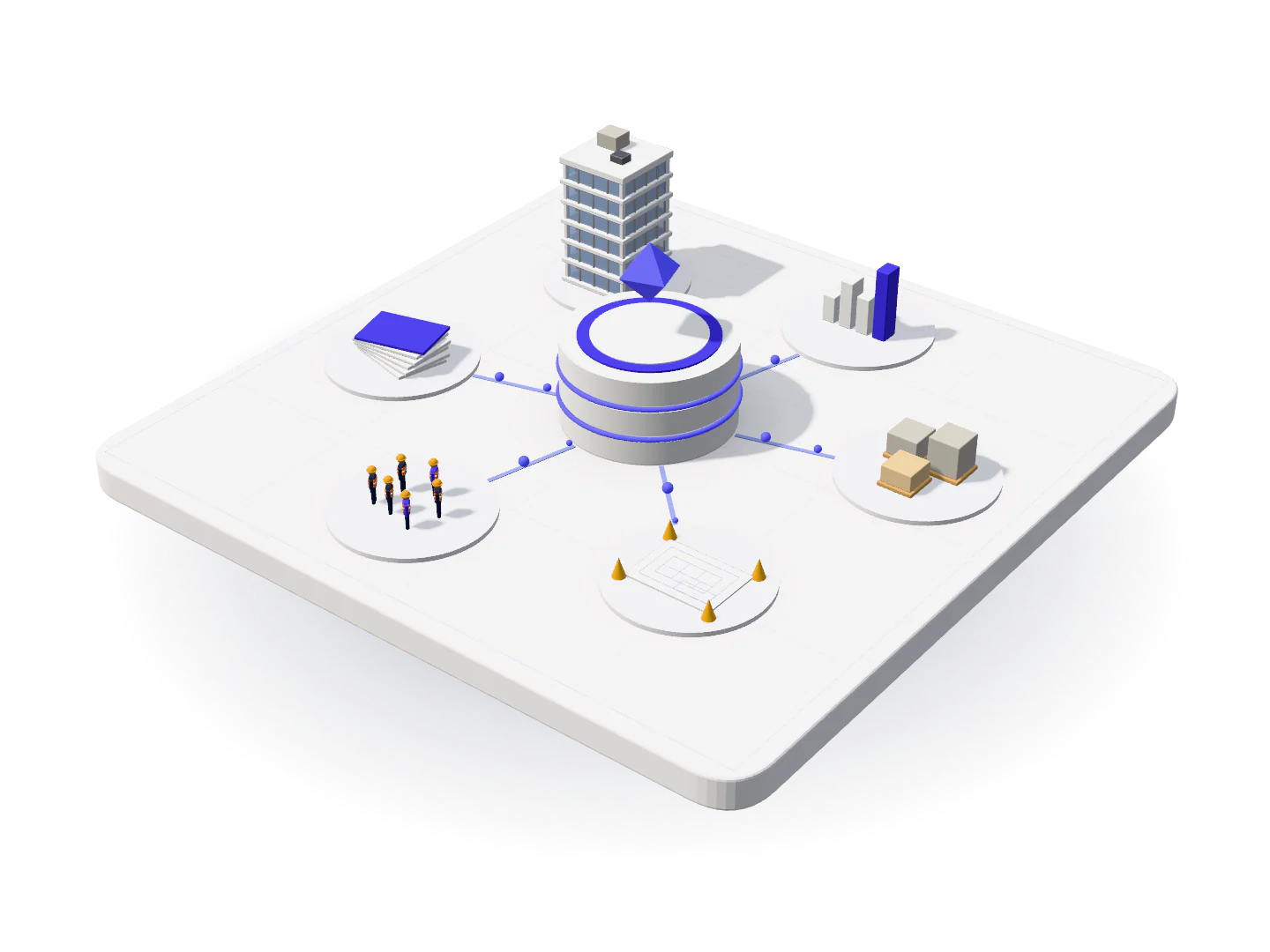
Construction companies do not buy software by department. They buy it because something is going wrong: bills are late, a site is invisible from head office, labour cost cannot be tied to a project, or the monthly numbers take a week to assemble and still get argued about. The six solution areas below are not six products. They are six ways into the same Smart Construction platform, which every plan includes in full.

That matters commercially. Most construction ERP vendors sell modules, so the system you can afford at the start is the system that stops you later, and the second phase costs more than the first. Here, Starter, Growth, and Enterprise all carry the same software. What changes between tiers is the number of active projects and users, not what the platform can do.

It matters operationally too. When project control, billing, procurement, payroll, and site records share one database, the connections that usually take a month of reconciliation are simply already there: labour cost sits against the project that consumed it, committed cost against the budget it draws down, site material consumption against the purchase that supplied it. Choose the entry point that matches your most painful problem, then expand across the rest at your own pace.

Project controls

Control multi-site execution from one command center

Run milestones, progress status, and risk visibility across all active projects with one operating model for office and field teams.

  • Portfolio-level dashboards for schedule, spend, and site status
  • Standard project governance with role-based accountability
  • Projects
  • Milestones
  • Clients
  • Reports
Explore solution →

Where to start

Choosing your entry point

Nobody rolls out every area in week one. Start where the pain is sharpest, because an early visible win is what carries the rest of the programme.

Start with billing if cash is the problem

If certification cycles are slow, retention is tracked in one person’s file, and nobody can state the receivables position without a day of work, begin with commercial and PKR billing. It produces a visible result inside the first cycle, which is what earns the rest of the rollout its credibility.

  • Fastest visible payback
  • Owned by a small team
  • Directly improves collections

Start with site operations if the field is invisible

If head office learns what happened on site through phone calls, and delay claims are argued from memory, begin with the site diary, progress photos, and materials. It is the hardest area to sustain and the one that pays back longest, so it benefits from being first while attention is high.

  • Builds the evidence trail
  • Needs supervisor adoption
  • Feeds every other module

Start with labour if cost allocation is guesswork

If payroll is a transcription exercise and project labour cost is a month-end estimate, begin with attendance and payroll. On most Pakistani sites this is the single largest correction to project margin accuracy.

  • Largest cost line
  • Shortens the payroll cycle
  • Fixes project margin accuracy

Start with project control if you are scaling

If you have gone from one site to three or four and head office cannot keep up, begin with project workspaces, milestones, and permissions. Standardising governance is what lets the fifth project cost a setup rather than another coordinator.

  • Enables growth
  • Standardises governance
  • Makes projects comparable

How this differs

What one platform changes

The practical differences between a stack of departmental tools and a single construction ERP.

Separate tools per department: A different tool, or a different spreadsheet, per department
One Smart Construction subscription: One platform where every module reads the same project record
Separate tools per department: Modules priced separately, so the useful ones arrive last
One Smart Construction subscription: The full platform on Starter, Growth, and Enterprise alike
Separate tools per department: Data re-keyed between billing, payroll, and reporting
One Smart Construction subscription: Entered once at source and reused everywhere downstream
Separate tools per department: Software adapted from a foreign market with PKR bolted on
One Smart Construction subscription: PKR-native billing, payroll, and reporting designed for Pakistan
Separate tools per department: Quote-only pricing that takes three calls to establish
One Smart Construction subscription: Setup and monthly fees published in PKR on the pricing page
Separate tools per department: Implementation sold as a separate consulting engagement
One Smart Construction subscription: Structured onboarding and first-cycle support included

Included

All 15 modules, on every plan

Starter, Growth, and Enterprise carry identical software. The tier sets your active project and user limits, and nothing else.

  • Project Management: Milestones, programme, and delivery status across every active site.
  • Multi-Project Management: One portfolio view across companies, with permissions by project.
  • BOQ Management: Bills of quantities, rate analysis, and variation control.
  • Document Management: Drawings, contracts, and approvals filed against the right project.
  • Client Billing: IPC certification, retention, deductions, and collection tracking.
  • Purchase Orders: Requisition to PO with layered approvals and budget checks.
  • Vendor Management: Supplier ledgers, comparative statements, and payment performance.
  • Expense Management: Site and company expenses coded, approved, and reconciled.
  • Inventory Management: Store ledgers, GRN workflows, stock aging, and transfers between sites.
  • Labour Management: Contractor and daily-wage labour, rates, and payment runs.
  • Attendance Tracking: Site attendance captured daily and reconciled straight into payroll.
  • WhatsApp Automation: Site updates and payment reminders sent where your teams already are.
  • Financial Tracking: Cost against budget in PKR, per project and across the portfolio.
  • Dashboard & Analytics: Live position on cost, progress, and approvals the moment you sign in.
  • Reports & Analytics: Management reporting for cost, progress, workforce, and procurement.

Who it is for

Built for the construction businesses operating here

Contractors, developers, civil and infrastructure firms, and specialist subcontractors across Pakistan.

General contractors

Multiple sites, dozens of suppliers, daily-wage crews, and client certification cycles running in parallel. The platform standardises all four so growth does not multiply head-office workload.

  • Multi-site control
  • Subcontractor ledgers
  • Client billing

Builders and developers

Phased handover, buyer commitments, and cost control across blocks. Milestones, progress photos, and branded owner updates keep sales and delivery working from one set of dates.

  • Phased milestones
  • Owner updates
  • Cost against budget

Civil and infrastructure contractors

Heavy procurement, equipment movement between sites, safety compliance, and government certification requirements, all recorded against the project they belong to.

  • Procurement
  • Equipment
  • Safety records

MEP and specialist subcontractors

Work packages across several main contractors, labour supplied by crew, and claims that live or die on documentation. One ledger per client and a defensible daily record.

  • Package tracking
  • Labour cost
  • Claim evidence

Why it works

What you get from consolidating

No module upsell

Every solution area is included on every plan, so the capability you need in year two is already in the subscription you bought in year one.

Connections you would otherwise reconcile

Labour cost to project, committed cost to budget, material consumed to material purchased. One database means these are already joined.

Built for Pakistani practice

Daily-wage labour, subcontractor ledgers, retention, PKR certification, and FBR-style invoicing are first-class, not local workarounds.

Adoption designed in

Short site workflows, role-based training, and WhatsApp delivery for people who will never sign in. Adoption is where most construction software actually fails.

Priced in the open

Setup and monthly fees are published in PKR. You can size the commitment before you speak to anyone.

Scales without re-implementation

New projects and new companies open from the configuration you have already proven, so growth costs setup time rather than another rollout.

Rollout

How a solution rollout actually runs

A sequenced path with named owners on both sides, measured by a completed first cycle rather than a login count.

  1. Pick the entry point that hurts most

    Nobody rolls out every module in week one. We start where the pain is sharpest, because an early visible win is what carries the rest of the programme.

  2. Configure once, inherit everywhere

    Cost codes, approval limits, roles, and document branding are set up at company level, so every project you open afterwards starts from a proven configuration.

  3. Load the positions that matter

    Client, vendor, and subcontractor balances, retention held, and advances outstanding come across so your first report is usable rather than aspirational.

  4. Train by role, not by room

    Commercial teams learn billing and procurement, supervisors learn the diary and attendance, HR learns payroll, leadership learns reporting. Nobody sits through a module they will never open.

  5. Run one complete cycle

    A full month of billing, attendance, and payroll on the platform, with our team alongside yours. Edge cases surface here and get configured rather than worked around.

  6. Expand into the remaining areas

    With one area proven and trusted, the next rollout is a training session rather than a change programme.

Most merchants complete a first billing or attendance cycle within a few weeks, then expand into the remaining areas at their own pace.

Terminology

The vocabulary on this page, explained

Construction ERP
A single system covering project delivery, commercial, procurement, HR and payroll, and site operations, so data flows between functions instead of being re-keyed at each boundary.
Solution area
A grouping of modules around the way one team works. Solution areas describe usage, not licensing: all of them are included in every subscription.
Module
A functional area of the platform, such as bills, purchase orders, attendance, or site diary. Smart Construction includes every module on every plan.
Merchant account
Your company’s tenant on the platform, holding its projects, users, documents, and branding, separated from every other customer’s data.
Active project
A project currently being executed and tracked. Plan tiers are sized on active projects and users, which is the only thing that varies between them.
PKR-native
Built to transact in Pakistani Rupees from the ground up, including local billing, retention, deduction, and payroll conventions, rather than converted from a foreign base currency.

Questions

Solutions FAQ

What solutions does Smart Construction cover?

Six solution areas: multi-site project control, commercial and PKR billing, HR and labour payroll, site operations, analytics and reporting, and enterprise onboarding. Each maps to live modules in one subscription, and all six are included on every plan.

Do I need separate products for billing and site teams?

No. Every plan includes the full platform. Solutions describe how teams use the same software for different workflows, not separate products or licences. There is no module you can be sold later.

Can we start with one solution area and expand?

Yes, and we recommend it. Most merchants begin with the area causing the most pain, usually billing or site operations, then roll out labour attendance, procurement, and analytics as teams adopt the platform. Nothing needs to be purchased again at each step.

Which solution area should we start with?

Start with billing if cash and certification are slow. Start with site operations if head office cannot see the field. Start with labour and payroll if project cost allocation is guesswork. Start with project control if you have outgrown running everything from head office. An early visible win is what carries the rest of the rollout.

How do the solution areas connect to each other?

They share one database. Attendance recorded on site becomes labour cost on the project. A released purchase order becomes committed cost against the budget. Material received in the store reconciles against the supplier bill. These joins normally take a month-end reconciliation; here they already exist.

Is Smart Construction suitable for a contractor with a single project?

Yes. Starter covers up to four active projects and includes the same full platform as Enterprise. Many merchants start there and move to Growth as the portfolio and the team grow.

Do site supervisors need training on every module?

No. Training is delivered by role. Supervisors learn the site diary and attendance, commercial teams learn billing and procurement, HR learns payroll, and leadership learns reporting. Nobody sits through a module they will never open.

Can we restrict what each team sees?

Yes. Permissions are scoped by company, project, and module, so a site engineer can update progress on their own job without any visibility of billing, payroll, or vendor balances.

See the platform on your own projects

Tell us your project mix, team size, and the workflow you would fix first. We will build the walkthrough around it.

30 to 45 minutes, no obligation. Prefer to talk first? Call +92 333 2466662.

Book demo