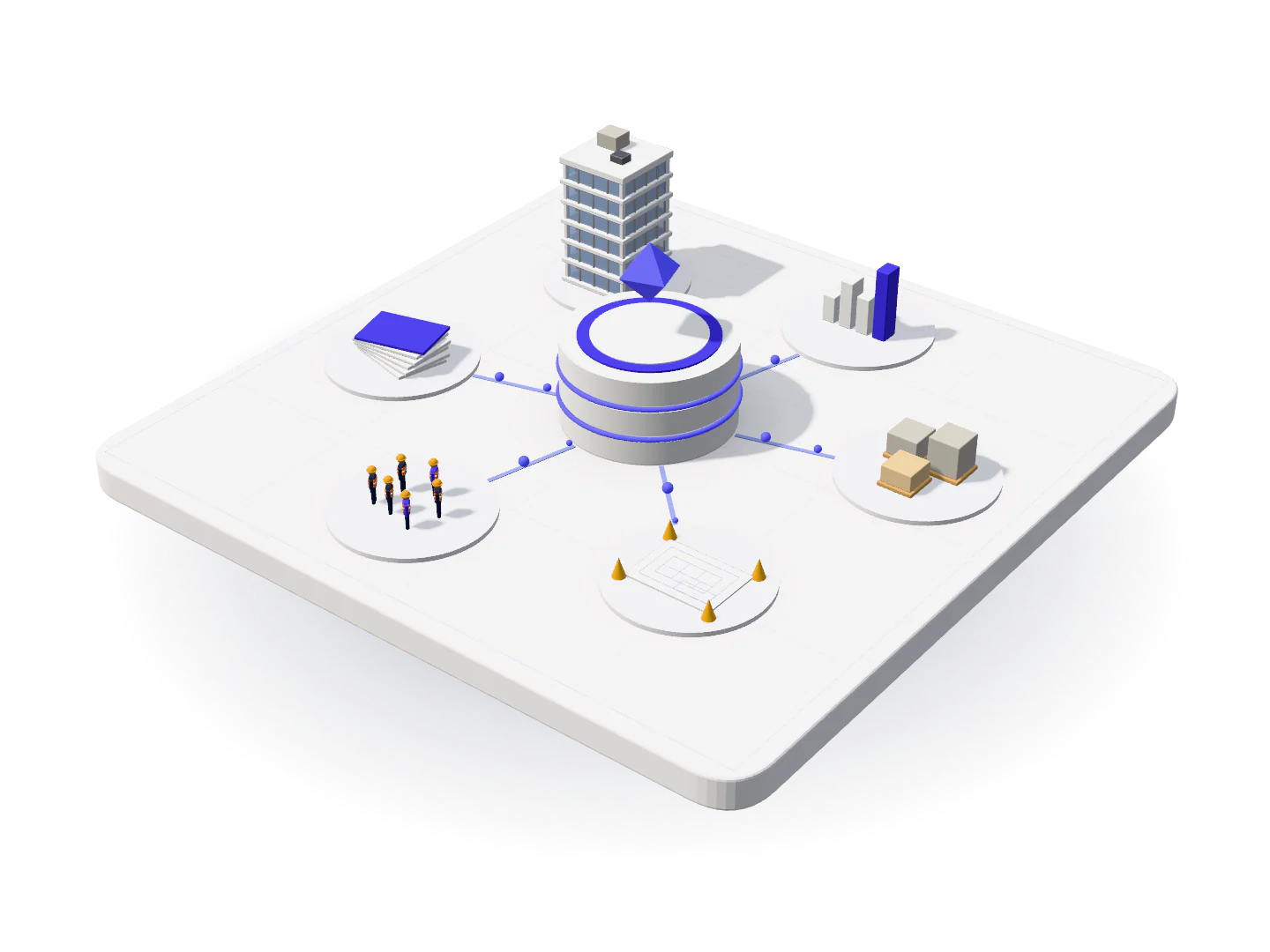
From signup to configured workflows with guided onboarding
We combine software setup with hands-on onboarding so your team in Pakistan can move from manual tracking to a structured system, measured by a completed first cycle rather than a login count.
Implementation is where construction software succeeds or fails
Buying construction software is easy. Getting a company to actually run on it is the hard part, and it is where most implementations quietly fail. A system gets configured by whoever has capacity that month, launched with an announcement, and abandoned by the site teams whose data everything else depends on. Within two quarters the spreadsheets are back and the conclusion drawn is that the software did not suit the business.
Smart Construction treats implementation as part of the product rather than as a service you buy separately. The path below is the one we run with every merchant: choose a plan against your real project and user counts, configure the account properly, load the balances that make the first report meaningful, train each team on the modules it will actually use, then run one complete operating cycle with our team alongside yours.
The success measure we work to is not a login count or a training attendance sheet. It is a completed first cycle: one full month of client billing, supplier payment, labour attendance, and payroll processed on the platform and reconciled against how you would have done it before. Once a business has run a real cycle and trusted the result, nobody has to push adoption any further.
1
Choose your plan
Review Starter, Growth, and Enterprise on our pricing page. Every tier includes the full platform, so choose on active projects and users rather than on features. Setup and monthly fees are published in PKR.
Pay the one-time setup fee. Our team configures your merchant account, company profile, cost codes, users, roles, approval limits, and invoice and receipt branding before anyone logs in.
3
Load your live projects
Add active sites, clients, opening balances, retention held, advances outstanding, and key suppliers. We guide the conventions for bills, attendance, and site diary so every project records the same way.
4
Run daily operations
Office and site teams work in one system. Bills, purchase orders, finances, labour attendance, materials, and reports stay aligned because they share the same project records rather than being reconciled later.
5
Review & scale
Use dashboards, report packs, and scheduled WhatsApp summaries for management review. Upgrade your plan when active projects or users grow, and open new projects from a configuration you have already proven.
The six things that decide whether a rollout holds
These are the decisions that separate an implementation still running in year two from one quietly replaced by spreadsheets.
Configuration before data
Cost codes, project structure, roles, and approval limits are agreed before anything is loaded. Getting this order wrong is the most common cause of a messy first quarter, because re-coding historical entries is far more expensive than deciding the convention up front.
Cost code and package conventions
Role templates per function
Approval limits by value
Opening balances, not a blank system
A system that starts at zero produces reports nobody can use until several months of history accumulate. We load client, vendor, and subcontractor positions, retention held, and advances outstanding so the first month is already meaningful.
Client and vendor balances
Retention and advances
Active project positions
Branding your documents before go-live
Invoice and receipt letterheads are configured separately per company, along with quotation and agreement templates, so the first bill the system produces is one you are happy to send to a client.
Invoice and receipt letterheads
Quotation layouts
Agreement templates
Training by role, on your own projects
A single general session teaches everyone a little about everything and leaves nobody able to do their job. We run separate sessions per function, using your live projects rather than a demo dataset.
Commercial and procurement
Site diary and attendance
Payroll and reporting
Site training on the supervisor’s own device
Field adoption decides whether a site system survives. Supervisors are trained on the phone or laptop they will actually use, on their own site, with a daily entry short enough to complete between site rounds.
No desktop install required
Browser access from any device
Short daily capture workflow
First-cycle support, not a handover email
Our team is present through your first billing and payroll run. Unusual deductions, rate structures, and approval paths surface in the first cycle, and this is when they get configured rather than becoming permanent workarounds.
First client billing run
First payroll cycle
Live configuration adjustments
Typical timeline
What the first month looks like
An indicative sequence. Actual timing depends on how ready your opening data is and how quickly site teams adopt daily capture.
01
Week one: discovery and configuration
We map your projects, approval chains, and current tools, confirm the plan tier that matches your active project and user counts, then configure the company profile, cost codes, users, roles, and document branding.
02
Week two: opening balances and project setup
Active projects are created with their clients, contract values, and milestones. Client, vendor, and subcontractor balances, retention held, and advances outstanding are loaded and reconciled against your existing records.
03
Week three: role-based training
Separate sessions run for commercial, site, HR, and leadership teams on your own project data. Supervisors are trained on site, on their own devices.
04
Week four onward: first live cycle
Client billing, supplier payments, attendance, and payroll run on the platform with our team alongside yours, and configuration is adjusted while the cycle is live rather than afterwards.
05
After the first cycle: review and expand
We review what worked, close the gaps, and plan the rollout of any modules deliberately held back for phase two, such as safety, equipment, or advanced reporting.
06
Ongoing: scale as you grow
New projects open from the configuration you have already proven. When active projects or users exceed your tier, moving to Growth or Enterprise is a plan change rather than another implementation.
Go-live is defined as the start of a complete billing and attendance cycle, not the day user accounts are created.
Our approach
How this differs from a typical software rollout
A typical implementationSmart Construction onboarding
A typical implementation: Configuration done by whoever has spare capacity
Smart Construction onboarding: A sequenced setup with named owners on both sides
A typical implementation: System starts empty, so reports are useless for months
Smart Construction onboarding: Opening balances loaded so the first cycle is accurate
A typical implementation: One all-staff training session covering everything
Smart Construction onboarding: Role-based sessions on your own live projects
A typical implementation: Go-live is an announcement and a hope
Smart Construction onboarding: A full billing and payroll cycle run with our team present
A typical implementation: Data migration blocks go-live for months
Smart Construction onboarding: Current positions live first, history phased behind it
A typical implementation: Support means a ticket queue and a knowledge base
Smart Construction onboarding: A Pakistan-based team that knows your configuration
What you get
Why a structured rollout is worth the discipline
Adoption that outlasts the launch
Role-based training and short field workflows are what keep a system in use once the initial attention fades.
A usable first report
Because balances come across at go-live, month one produces numbers you can act on rather than a partial picture.
No stalled migration project
Current operations move first and historical detail is phased, so you get value while the archive question is still open.
Edge cases configured, not worked around
Being alongside your first live cycle is how unusual rates, deductions, and approval paths become configuration instead of manual exceptions.
Local support in your time zone
Onboarding and support come from our team in Pakistan, working the same hours and the same conventions as your business.
Growth without another rollout
The fifth project takes hours to open because it inherits the configuration the first four proved.
Plans
Plans at a glance
Every tier includes the same full platform. The plan sets your active project and user limits, and nothing else.
The one-time charge covering merchant account configuration, user and role setup, document branding, and standard onboarding training. Published in PKR per tier on the pricing page.
Go-live
The point at which real operations move onto the platform. We define it as the start of a complete billing and attendance cycle, not the day user accounts are created.
First cycle
One full month of client billing, supplier payment, attendance, and payroll processed on the platform. Completing it is the practical test that an implementation has worked.
Opening balance
The position carried across from your previous system: what clients owe you, what you owe vendors and subcontractors, retention held, and advances outstanding.
Phased migration
Loading current positions first and bringing historical detail across later, or archiving it, so go-live is not delayed by a full data migration.
Plan tier
Starter, Growth, or Enterprise. All three include the same software. The tier sets your active project and user limits, and nothing else.

Questions
Onboarding FAQ
How long does Smart Construction onboarding take?
Standard setup covers merchant configuration, users, roles, document branding, and role-based training. Most teams run their first billing or attendance cycle within a few weeks, depending on how ready your opening data is and how quickly site teams adopt daily capture.
Do you migrate data from Excel or other tools?
We load the positions that matter for current operations: client, vendor, and subcontractor balances, retention held, advances outstanding, and active project status. Historical detail is phased or archived rather than force-migrated, so go-live is not held hostage to a full data migration.
Can we upgrade plans after go-live?
Yes. When you add active projects or users, move from Starter to Growth or Enterprise. Your configuration carries forward, so an upgrade is a plan change rather than another implementation.
What does the one-time setup fee actually cover?
Merchant account configuration, company profile, initial user accounts and roles, approval limits, invoice and receipt letterhead branding, and standard onboarding training for your teams. Published setup fees per tier are on the pricing page.
Who needs to be involved from our side?
One named owner per team: commercial or finance for balances and billing, site leadership for the diary and attendance rollout, and HR for payroll. An executive sponsor helps, mainly because rollout decisions get made faster.
What if our workflows do not match the standard configuration?
Our team is alongside yours through the first billing and payroll cycle, which is when unusual deductions, rate structures, and approval paths surface. They get configured at that point rather than becoming permanent manual workarounds.
Do site supervisors need special devices or software?
No. The platform runs in a browser on any device. Supervisors are trained on the phone or laptop they already use, on their own site, and the daily entry is deliberately short enough to complete between site rounds.
What happens after the first cycle?
We review what worked, close the gaps, and plan the rollout of any modules deliberately held back for a second phase, such as safety, equipment, or advanced reporting. After that, new projects open from a configuration you have already proven.
Keep reading
Related reading
More detail on implementation, pricing, and what changes when you move off spreadsheets.